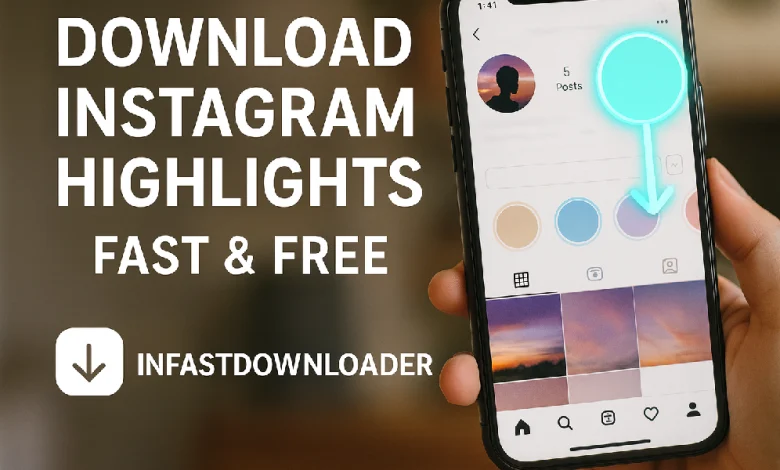
If you want a simple and reliable way to download Instagram Highlights without installing apps or logging in every time, this updated guide shows you exactly how to do it using a secure online tool.
Want to save Instagram Highlights without installing any app or logging in every time? Whether you’re a content creator, a fan of aesthetic collections, or just looking for download someone’s IG Highlights to download for inspiration, this guide is for you.
What Instagram Highlights Are and Why They Matter?

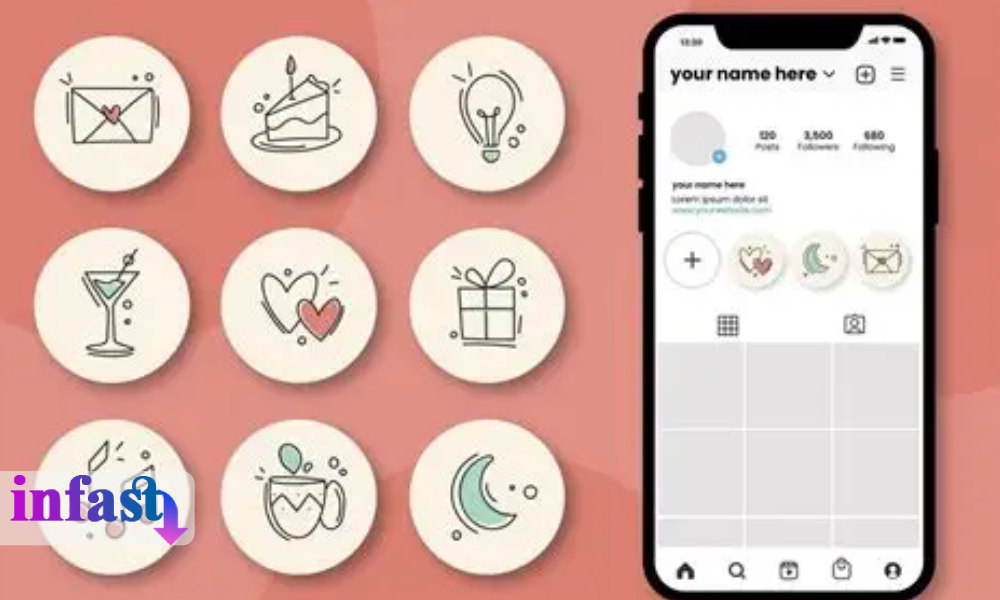
Instagram Highlights are permanent collections of your Stories displayed below your profile bio. Unlike regular Stories that disappear after 24 hours, Highlights stay visible as long as you keep them on your profile. They help organize your content, showcase products, store tutorials, or highlight important moments.
You can use Highlights to:
- Showcase products or services
- Group travel stories
- Build your brand
- Save important content like Q&As or tutorials
Not sure what Instagram Highlights really are or how they’re different from Stories?
Read our full guide: What Are Instagram Highlights →
Learn how they work, why they matter, and how to use them to boost your profile!
Can You Download Instagram Highlights Directly?
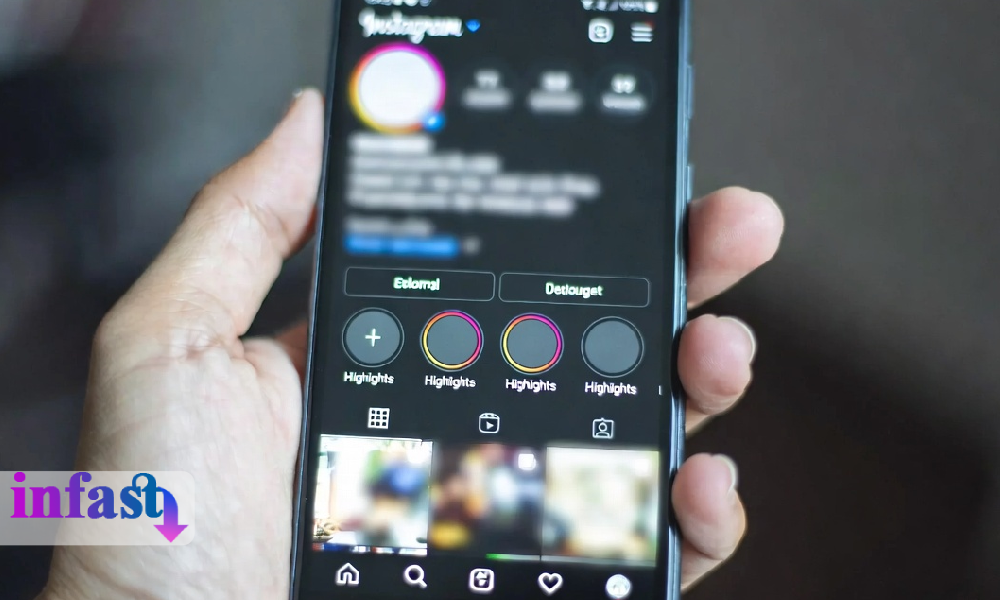
Instagram does not allow downloading Highlights from other profiles. You can save your own archived Stories, but downloading public Highlights from users requires using a third-party web tool.
The Easiest Way to Download Instagram Highlights (No App, No Login)
One of the fastest and safest tools is infastdownloader, a browser-based Instagram Highlights downloader that requires no login, no installation, and no account connection. You only copy the profile link, paste it into the website, and download the available Highlights instantly.
How to Download Instagram Highlights (Step-by-Step)
Downloading Instagram Highlights from public profiles is easier than you think. Although Instagram does not allow direct downloads, third-party tools like infastdownloader make it simple, secure, and free. Follow these steps:
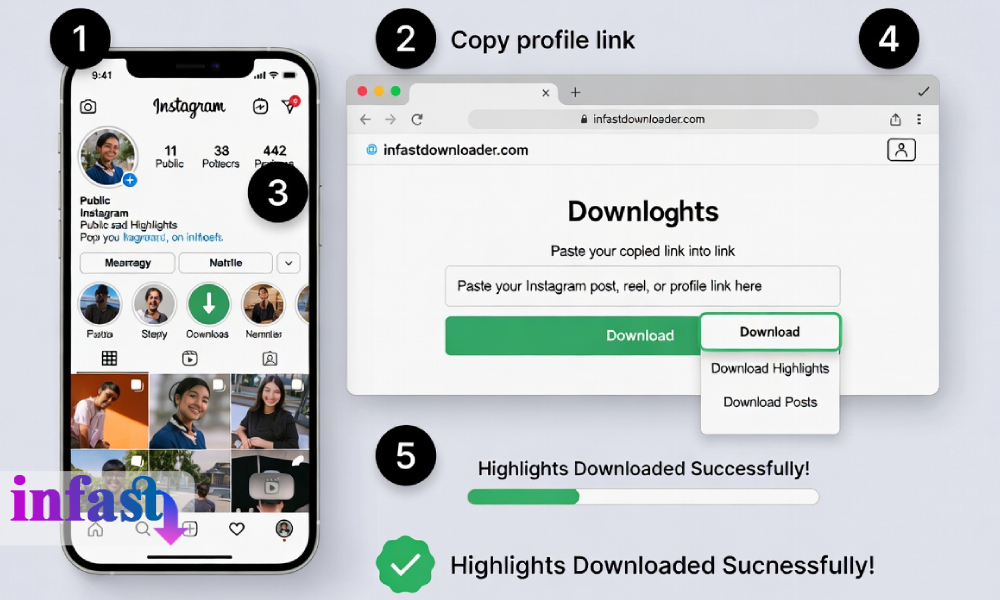
Step 1: Open Instagram and find the profile
Navigate to the Instagram profile that contains the Highlights you want to download. Make sure the account is public; private profiles cannot be accessed by third-party tools.
Step 2: Copy the profile link
Tap the three dots (⋯) in the upper-right corner of the profile and select “Copy Profile Link.” This link will be used in the downloader.
Step 3: Visit infastdownloader
Open your browser and go to infastdownloader.com or another trusted online Instagram Highlights downloader.
Step 4: Paste the profile link
Paste the copied link into the input field on the website.
Step 5: Download the Highlights
Click “Download Highlights” and the tool will fetch all available Highlights from that profile. Save them to your device.
Tip: Make sure the account is public. This tool doesn’t support private profiles for privacy reasons.
Downloading Instagram Highlight Covers
You can also extract and download Highlight covers directly through the same tool. After entering the profile link, available covers appear automatically for download in original quality.
Device Compatibility (Mobile and Desktop)
Whether you’re using iPhone, Android, PC, or Mac, the process is identical. Just open the website in your browser, paste the link, and download.
Other Tools (Optional Alternatives)
While infastdownloader is recommended for its speed and simplicity, there are several other online tools that you can use to download Instagram Highlights. Each has its pros and cons depending on your needs.
1. SnapInsta
Very easy to use, no login required. Ads and pop-ups can be annoying. Best For Quick downloads when you want simplicity over extra features.
2. Inflact
Offers multiple Instagram tools in one platform (like downloading stories, posts, and IGTV). Requires login for some features. Best For Users who want an all-in-one Instagram tool and don’t mind logging in.
3. SaveInsta
Simple interface and easy navigation. Limited download formats. Best For Users looking for straightforward downloading of Highlights and stories
Comparison Table: Instagram Highlights Downloaders
Legal & Security Tips for Downloading Instagram Highlights
Is It Legal to Download Instagram Highlights?
Downloading Instagram Highlights from public profiles for personal use is generally acceptable. You can save content for inspiration, education, or offline viewing. However, reposting or redistributing someone’s content without permission may violate copyright laws and Instagram’s terms of service.
Examples of acceptable use:
- Saving your favorite travel or tutorial highlights for personal reference
- Using highlights as inspiration for your own content
- Archiving your own Stories for future reference
Privacy Considerations
Always ensure the account is public before using a downloader. Private accounts cannot be legally accessed.
Do not enter your Instagram login credentials on third-party websites unless absolutely necessary. Tools like infastdownloader do not require login.
Use a secure browser and avoid suspicious pop-ups or ads to protect your device from malware.
Tips for Best Quality Downloads
- Use a strong internet connection to avoid interruptions during download.
- Download videos in MP4 format and images in JPG to preserve original quality.
- If you want to save multiple Highlights, select them individually or use the bulk download feature if available.
- Download Highlight covers separately for aesthetic collections or branding purposes.
Ethical Guidelines
Respect other users’ content. Only download public content for personal use. Avoid reposting content without credit or permission. Use downloaded content to learn, inspire, or archive not to harm or exploit others.
Final Thoughts: Save Your Favorite Highlights Hassle-Free
Downloading Instagram Highlights doesn’t have to be complicated. With tools like infastdownloader, you can save stories quickly, securely, and without installing any software. Whether you want to preserve memories, collect inspiration, or back up content, this method keeps things simple and safe.
Try infastdownloader today and download Instagram Highlights from any public account no login, no risk, no limits.
Frequently Asked Questions (FAQ)
General Questions About Downloading Instagram Highlights
Q: Can I download Instagram Highlights directly from the app?
No. Only your own archived Stories can be downloaded.
Q: How to download Highlights without an app?
Use a web tool like infastdownloader and paste the profile link.
Q: Can I download Highlights anonymously?
Yes, public Highlights can be downloaded without logging in.
Q: Can I download private Highlights?
No, private profiles are not supported.
Q: In what format are Highlights downloaded?
Videos as MP4, images as JPG, keeping original quality.